Claude Opus 5.5 · motion graphics · 1080p MP4
Opus 5.5 Video Generator
Describe a video. Claude Opus 5.5 designs it and writes every frame as animation code — type, timing, transitions — then your browser films it into an MP4 you can download.
Your first video is free with a new account · no card needed · independent tool, not affiliated with Anthropic.
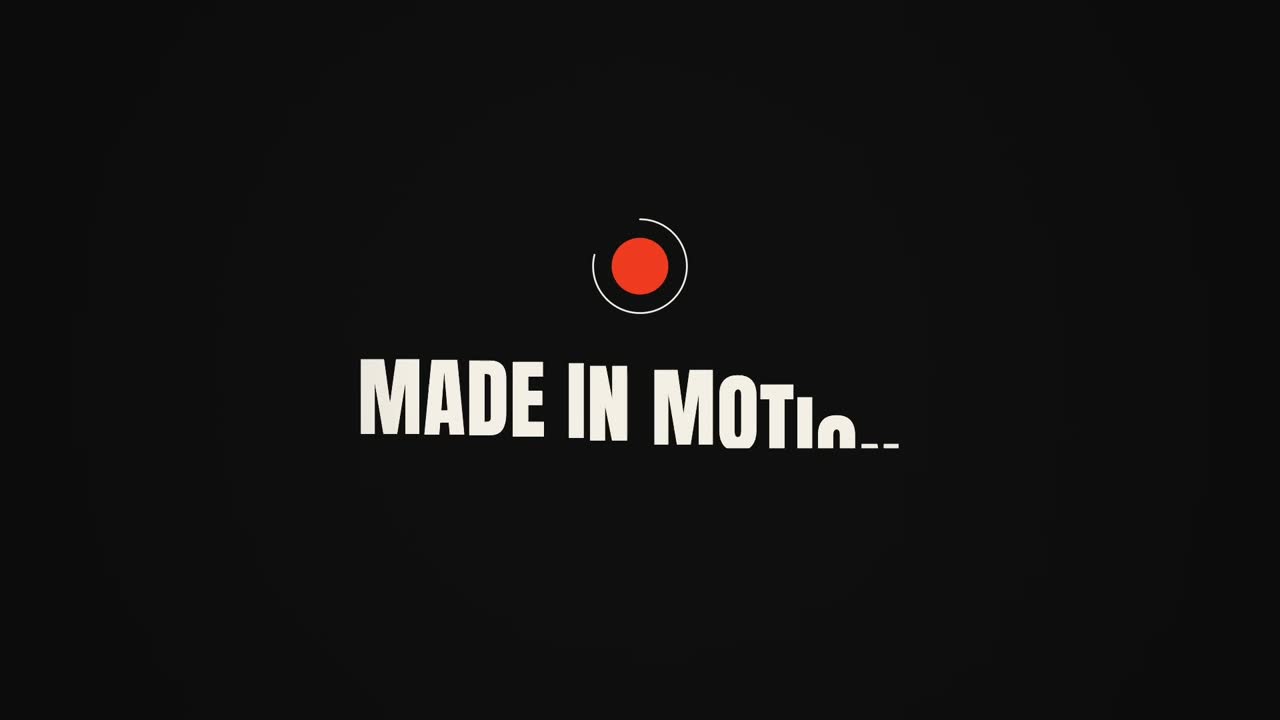
Prompt: Make a dynamic 15-second motion graphics video that shows what an incredible motion designer you are.
Prompt, settings & notes →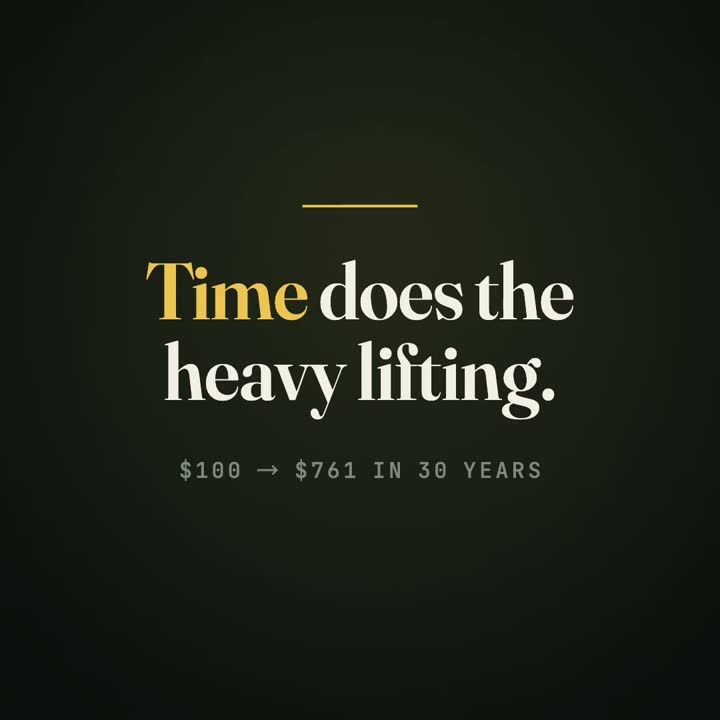
Prompt: Explain compound interest in three beats: $100 at 7% a year, how it snowballs after 10, 20 and 30 years, and one takeaway.
Prompt, settings & notes →
Prompt: Changelog video: Acme Analytics 3.0 — real-time dashboards, SQL notebooks, 40% faster queries. Clean Swiss corporate style, lots of whitespace, small data charts.
Prompt, settings & notes →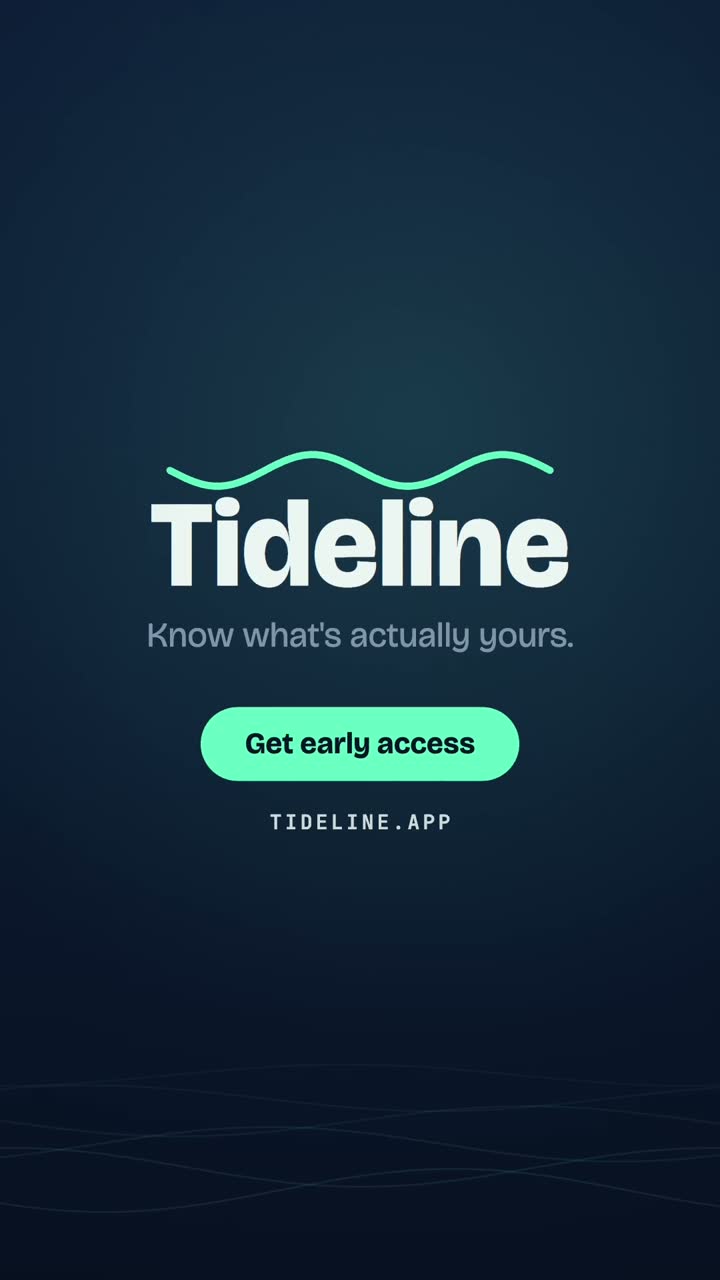
Prompt: Launch video for Tideline, a budgeting app for freelancers: irregular income, auto-set-aside for taxes, 'know what's actually yours'. Deep navy + mint.
Prompt, settings & notes →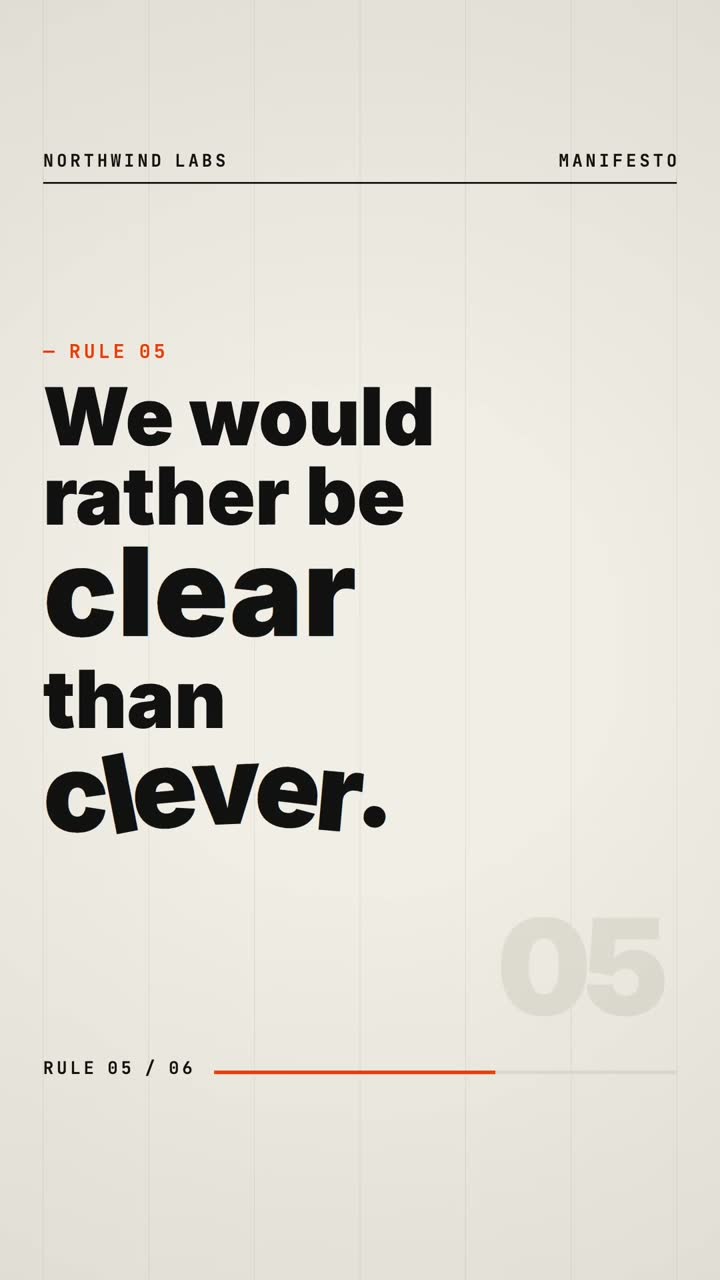
Prompt: Kinetic typography of our team manifesto, every line on screen: 'We ship small. We ship often. We read every support email…' Swiss poster style, off-white paper, black type, one signal-orange accent.
Prompt, settings & notes →01 — The idea
What is an “Opus 5.5 video”?
Claude Opus 5.5 can't output pixels. What it does extremely well is write the code that paints them: a composition that decides where every word sits, when it moves, how it eases, and how one scene hands off to the next. Play that code back, capture it frame by frame, and you get a video.
Within days of the model's release on September 22, 2026, people had posted hundreds of these on X — one community index counted over a thousand in its first days: showreels from a one-line brief (“make a dynamic 15-second motion graphics video that shows what an incredible motion designer you are”), launch ads, explainers. Quick ones are often an animated web page that was screen-recorded; polished ones are usually built with Claude Code and a render framework such as HyperFrames or Remotion. This page does the whole loop for you: brief in, Opus 5.5 writes the motion, MP4 out.
- Model
- Claude Opus 5.5 via the Claude API (
claude-opus-5-5), released Sept 22, 2026 - Output
- Silent H.264 MP4 · 1080p · 30 fps · 10, 15 or 20 s · 16:9, 9:16 or 1:1
- Generation time
- About 1.5–3.5 minutes per video (78–212 s in our tests)
- How it renders
- Opus 5.5 writes Canvas 2D animation code; your browser renders every frame and encodes the MP4 with WebCodecs
- Best for
- Motion graphics, kinetic type, product launch videos, explainers — not photoreal footage
Model facts from Anthropic's announcement; timings measured on this site's own test runs (September 30, 2026).
02 — What it's good at
Three kinds of video Opus 5.5 handles well
Motion graphics
Kinetic typography, logo stings, shape choreography, title sequences, social loops. The viral “show me what a motion designer you are” genre.
Product launch
A hook, the promise, three features shown with drawn UI cards and charts, an end card with your name and CTA. Sized for X, LinkedIn or Product Hunt.
Explainers
One idea taught in beats: counters, bars, timelines and arrows that build step by step, with a clean takeaway card at the end.
Not a fit: photorealistic footage, real people or faces, lip-sync, live action. That's what diffusion video models are for.
03 — Why it's different
Opus 5.5 video vs. diffusion video generators
Diffusion video models generate pixels directly. Opus 5.5 generates a program that draws the video. That trade-off explains where each approach works best.
| Opus 5.5 (code → video) | Diffusion video models | |
|---|---|---|
| Text on screen | Rendered as real type — exact spelling | Can be distorted, especially small or long text |
| Brand colours & layout | Exact hex values, grids, alignment | Approximate |
| Consistency | Deterministic — same code, same frames | Varies between generations |
| Editing | Change a line of copy or a timing in the code | Usually regenerate the clip |
| Photoreal scenes & people | No | Yes |
| Output here | 1080p MP4, 10–20 s, 16:9 / 9:16 / 1:1 | Varies by model |
04 — Under the hood
How this Opus 5.5 video generator works
- 01
Brief
You describe the video, pick a type, aspect ratio (16:9, 9:16, 1:1) and length.
- 02
Opus 5.5 plans & codes
Claude Opus 5.5 storyboards the beats, picks a palette and type pairing, then writes the full composition against a small motion toolkit that guarantees text fits and wraps.
- 03
In-browser check
The code runs in a locked-down sandbox in your browser. We sample the frames for errors, clipped or overlapping text and blank scenes — and if something's off, Opus 5.5 gets one shot to fix it.
- 04
Render & download
Your browser renders all frames and encodes an H.264 MP4 with WebCodecs. The MP4 is created on your device and never uploaded.
Safety note: model-written code is treated as untrusted. It runs in a sandboxed iframe with no network access, no cookies or storage, and loop guards — it can only draw on a canvas.
05 — Prompting
How to write a brief Opus 5.5 turns into a great video
- Give it the words. Exact headline, feature names, tagline and CTA beat anything generic. Short copy wins: 3–8 words per screen.
- Name the vibe with references. “Swiss poster, black/white/red”, “Apple keynote calm”, “Y2K chrome”, “editorial serif, warm paper”.
- Specify colours if you have a brand. Hex codes are used exactly.
- Pick the right format. 9:16 for Reels, Shorts and TikTok; 16:9 for X, YouTube and your landing page; 1:1 for feeds.
- One idea per video. A 15-second video has room for a hook, two or three beats and an end card — not a whole pitch deck.
06 — FAQ
Opus 5.5 video — frequently asked questions
What is an Opus 5.5 video?+
Claude Opus 5.5 (released by Anthropic on September 22, 2026) doesn't output video. An “Opus 5.5 video” is a video the model writes as code — layout, typography, timing and animation curves — which is then rendered frame by frame into an MP4. That's why these videos look like motion graphics with crisp text rather than like camera footage.
Is this made by Anthropic?+
No. OpusVideo is an independent tool built on the public Claude API (model claude-opus-5-5). Claude and Opus are trademarks of Anthropic; we're not affiliated with or endorsed by Anthropic.
Is it free? How does pricing work?+
Your first video is free: new accounts get one video credit, no card needed. After that, plans start at $9.99 a month for 5 videos, or $79 a year for 60; one-time packs are available too. A credit is only used when a video is successfully generated — failed runs are refunded automatically — and previews, MP4 downloads and the source code are always free.
How long does a video take?+
Usually 1.5–3.5 minutes (in our tests: 78–212 seconds, about 2¼ minutes on average). Opus 5.5 plans the storyboard, then writes a few hundred lines of animation code. Once the code arrives the preview starts right away, and exporting a 15-second 1080p MP4 took 2–10 seconds on a recent laptop.
What kinds of videos work best?+
Motion graphics and kinetic typography, product launch videos with drawn UI, and explainers with animated diagrams. It is not for photorealistic footage, real people, lip-sync or live-action scenes — use a diffusion video model for those.
Where do my prompt and video live?+
Your prompt and the generated composition code are stored on our server so the video can be re-rendered and shared by link (anyone with the link can view it). The MP4 itself is encoded in your browser and never uploaded.
Does it have sound?+
Not yet. Videos are silent MP4s (H.264, 30fps, 1080p) — add music in CapCut, Premiere or your social app of choice.
Which browsers can export the MP4?+
Export needs the WebCodecs video encoder, available in current Chrome, Edge and Opera (desktop and Android) and in recent Safari and Firefox releases. If your browser can't encode, the page tells you before you try. Previewing works in any modern browser.
Can I use the videos commercially and edit the code?+
Yes, you can use the videos you generate, including commercially — just don't put other people's trademarks or content in them without permission. You can also copy the composition code (plain JavaScript drawing to a canvas) and tweak colours, copy or timing yourself.